You picked the road.
Bring everyone along.

The drive is part of the day.
You could all meet at the destination. You chose to drive together. Kervano is built around that part of the plan.
Keep up with
the whole drive.
See where the group is, share an update, and follow the same route. The details you need when you're organizing.
Keep the last car in view.
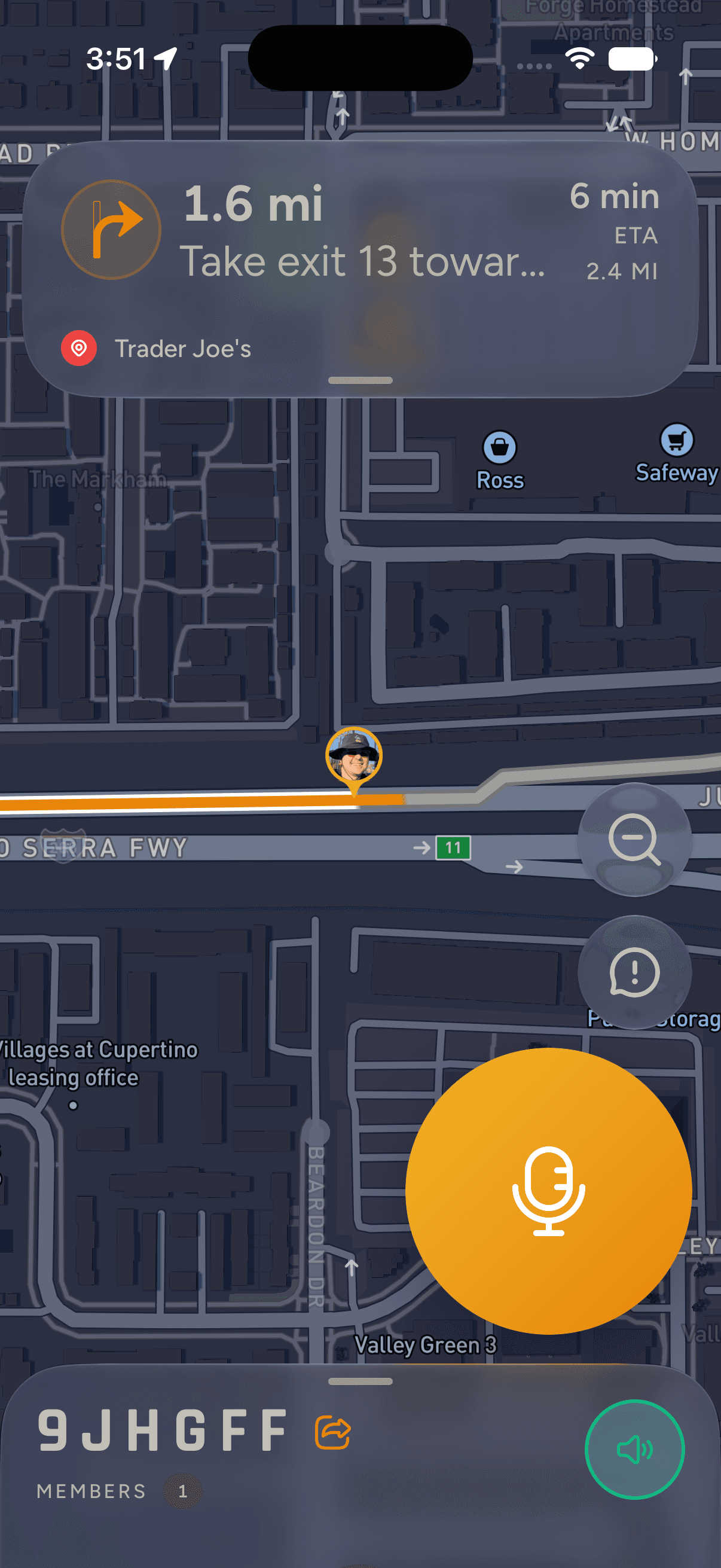
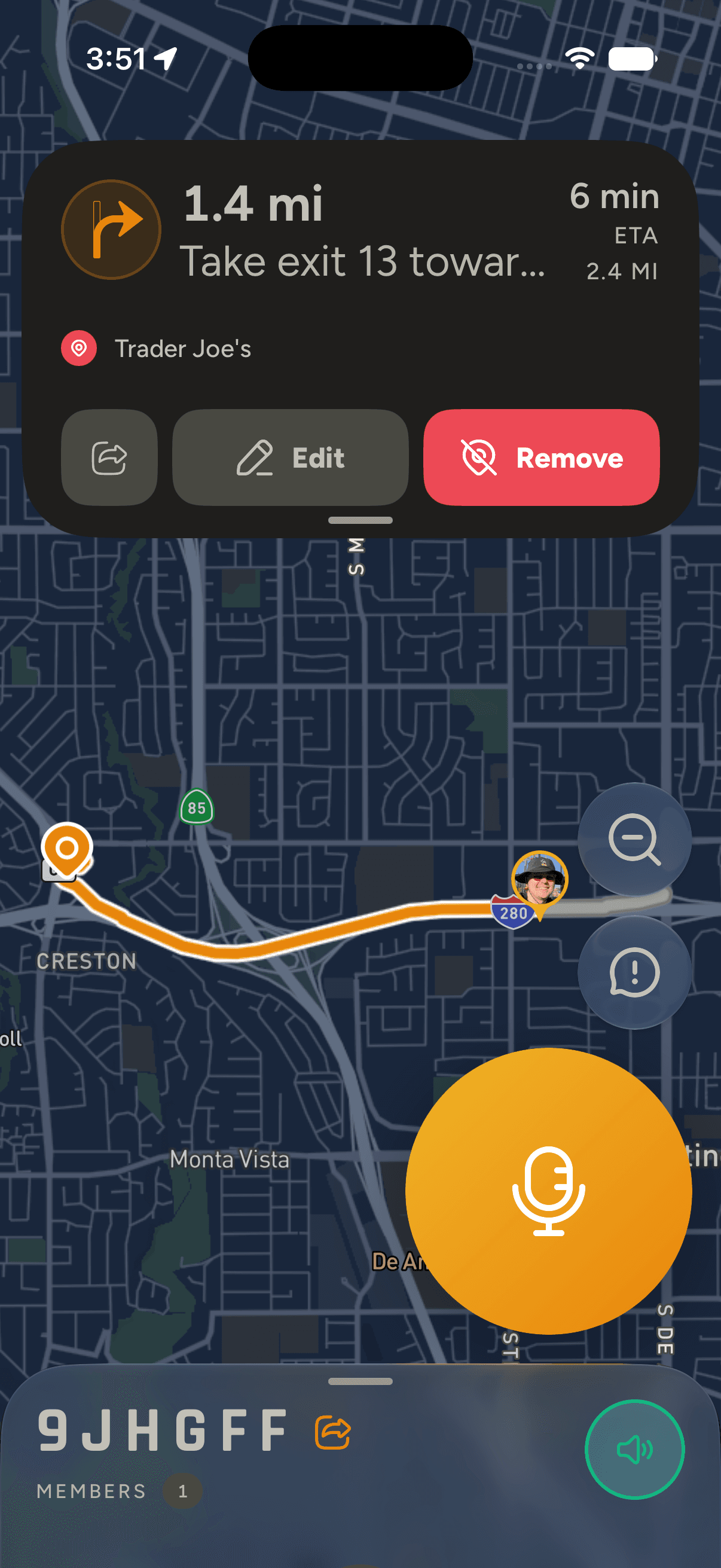
See the group's locations on one map, including the cars too far back to see in your mirror.
Talk between cars.
Use push-to-talk to share a change of plan or agree on the next stop.
Let the group know.
Send a "Pulling Over" or "Need Help" signal to the group.
Share the road you picked.
Set the destination for the group. Everyone gets the route and can check their arrival time.
You organized it. You should enjoy it.
You picked the meeting point and made sure everyone had the details. Once you're moving, Kervano helps you keep track of the group.
Who's with you.
Check the roster to see who's joined the drive.
Know who's leading and sweeping.
Assign the lead and sweep so everyone knows who's covering each end of the group.
An update for everyone.
Broadcast an announcement to the group.
Know who's coming.
Share an invitation. Guests accept in the iPhone app.
See who took part.
Review participation after the drive.
Questions
Can I use Kervano yet?
Kervano has a beta waitlist. Sign up and we'll email you when your spot is ready.
Is it for iPhone?
Yes. Kervano's first release is for iPhone.
Does everyone need the app?
To join the live drive and use the map and voice channel, participants need Kervano on iPhone.
Does it work without cell service?
During an active drive, turn-by-turn directions keep working on the route already loaded in the app. Live group locations, voice, and route changes need an internet connection.
What if we get split up?
You don't have to stay bumper to bumper. Keep following the shared route, check where the group is, and use voice to agree on a place to regroup.
What if someone needs to pull over?
Send a "Pulling Over" signal so the group knows, or use voice to explain what's happening and agree on a stop.
What's a sweep?
The person bringing up the rear. They help the lead know whether everyone is still with the group or someone needs a stop.
You've already got
a route in mind.
Join the waitlist. We'll email you when your beta spot is ready.